Notifications
Storyfall keeps you informed about activity that matters to you through in-app notifications and emails.
What You Get Notified About
Story Updates
When you subscribe to a writer, you’ll receive notifications when they:
- Publish a new story.
- Release an update to a story you’ve read.
- Post a new chapter.
Forum Activity
If you participate in forums, you’ll get notified when:
- Someone replies to your thread.
- Someone @mentions you in a post.
- A new thread is created in a forum you follow.
Blog Posts
When a writer you subscribe to publishes a new blog post, you’ll receive a notification. Writers can also send their blog posts as email newsletters to subscribers.
Messages and Friends
You’ll be notified about direct message and friend activity:
- Someone who is not your friend sends you a message request (once per conversation, not for every message).
- Someone sends you a friend request.
- Someone accepts your friend request.
- You’re invited to a group chat.
These notifications tell you who and what, never the message text. Message contents are never included in a notification or email, so secure conversations stay private.
Other Activity
You’ll also be notified about:
- Likes and reactions on your content.
- Team invitations.
- Story reviews.
- Event updates and results.
Delivery Channels
Notifications can reach you two ways:
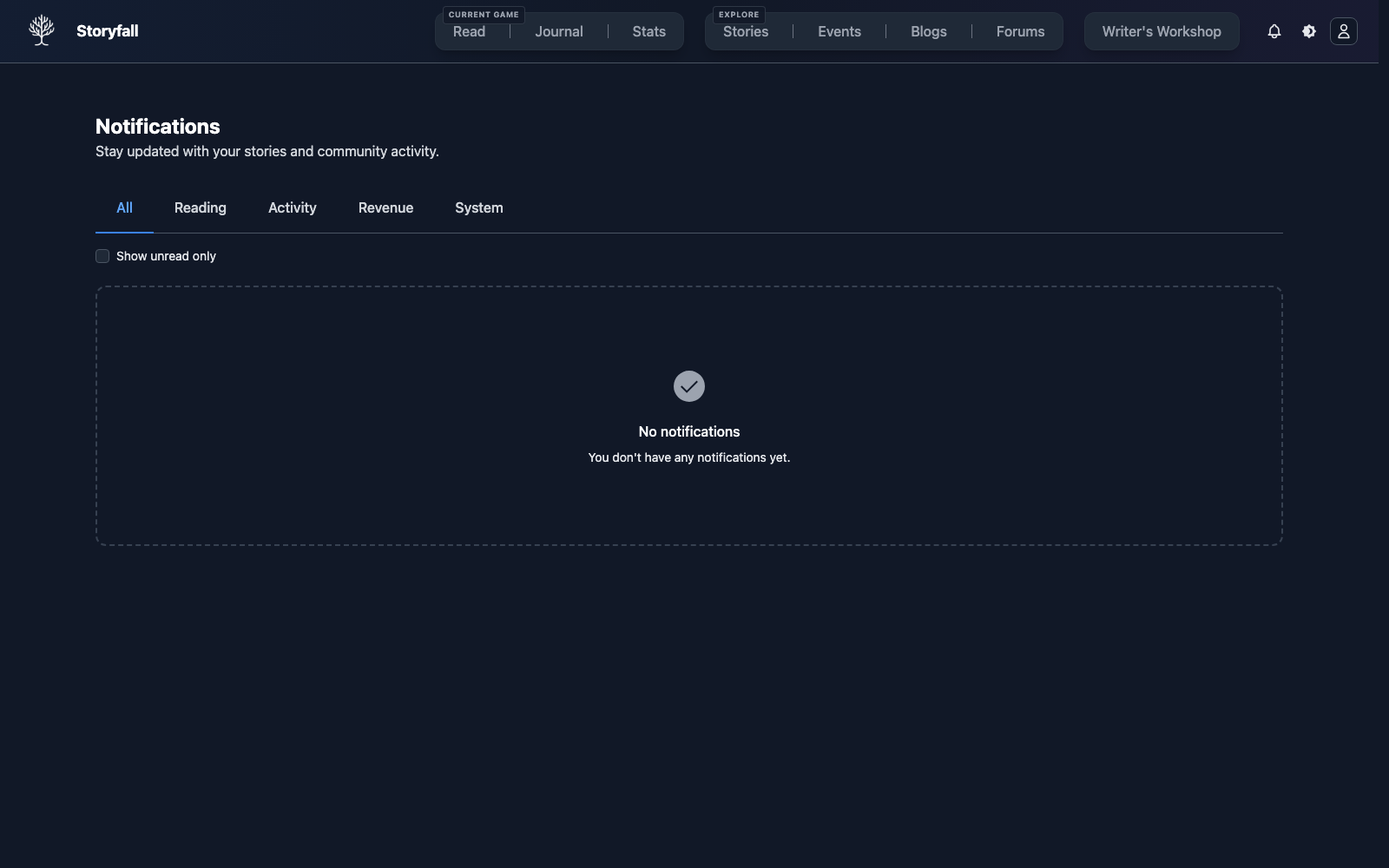
- In-app: Appear in your notification bell in the top navigation bar.
- Email: Sent to the email address on your account.
You can receive notifications through either channel or both.
Managing Your Preferences
Configure which notifications you receive in your Settings page. You can separately control:
- System notifications: Platform activity like likes, mentions, and team invitations.
- Writer notifications: Updates from writers you subscribe to, like new stories and blog posts.
For each category, you can toggle email and in-app delivery independently. Critical billing emails still send even if you turn off writer emails. These include paid subscription confirmations, trial ending reminders, upcoming billing notices, and payment authentication requests.
Subscribing to Writers
Subscribing to a writer is the main way to stay informed about their work. When you subscribe, you’ll automatically receive notifications for their new stories, story updates, and blog posts. Subscriptions can be free or paid depending on the writer’s setup.
Next Steps
- Forums - Participate in community discussions.
- Blog Posts - Read updates from your favorite writers.
- Playing Stories - Find and play interactive stories.