Chapters
Chapters help you organize your story into major sections or acts. They’re optional - you can write your entire story as scenes without chapters if you prefer.
Why Use Chapters?
Chapters provide:
- Clear story structure (Act 1, Act 2, Act 3).
- Logical breaks for readers.
- Easier navigation during editing.
- Professional organization.
When to skip chapters: Short stories, experimental narratives, or stories with non-linear structure may not need chapters.
Creating Chapters
- Open your story in the editor.
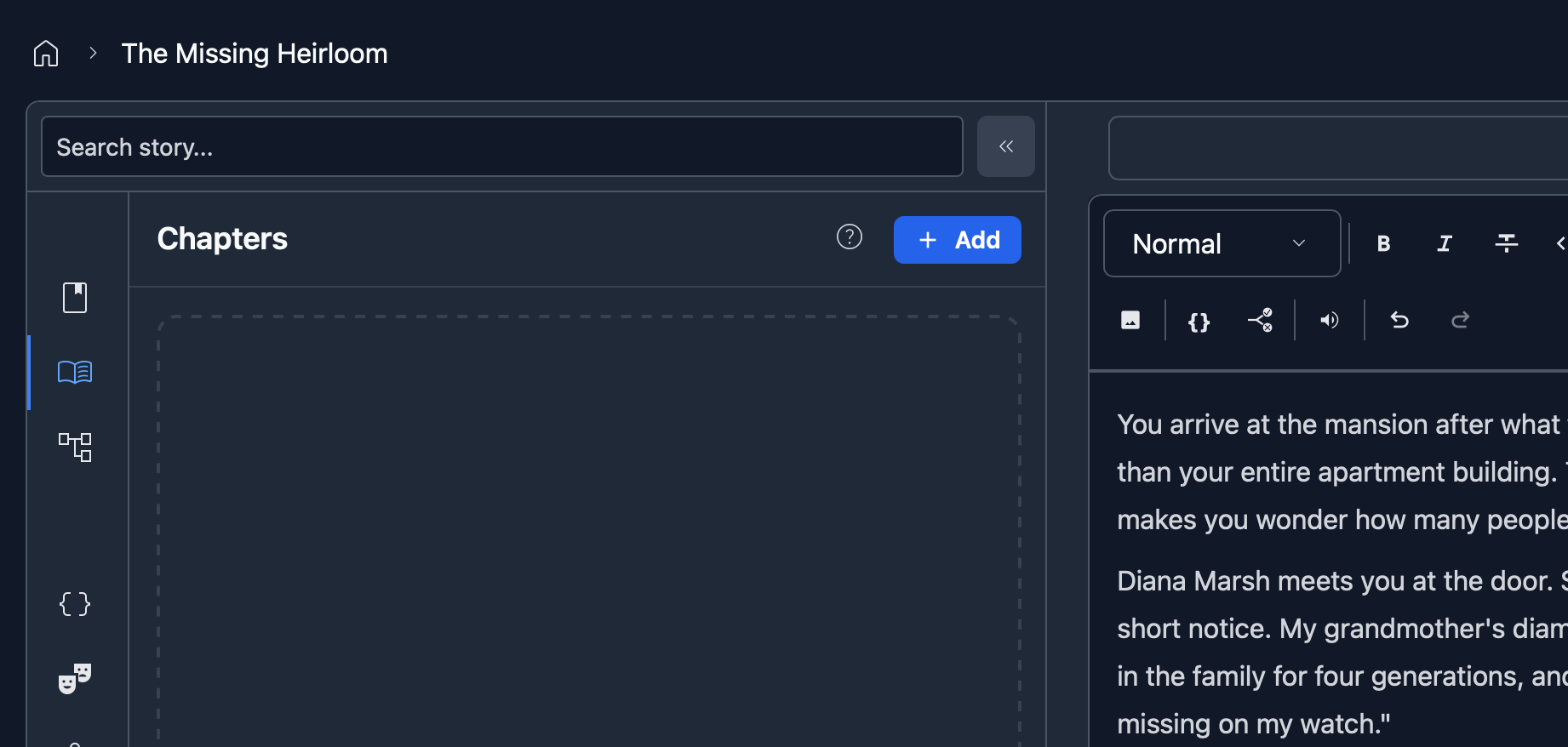
- Click “Add”.
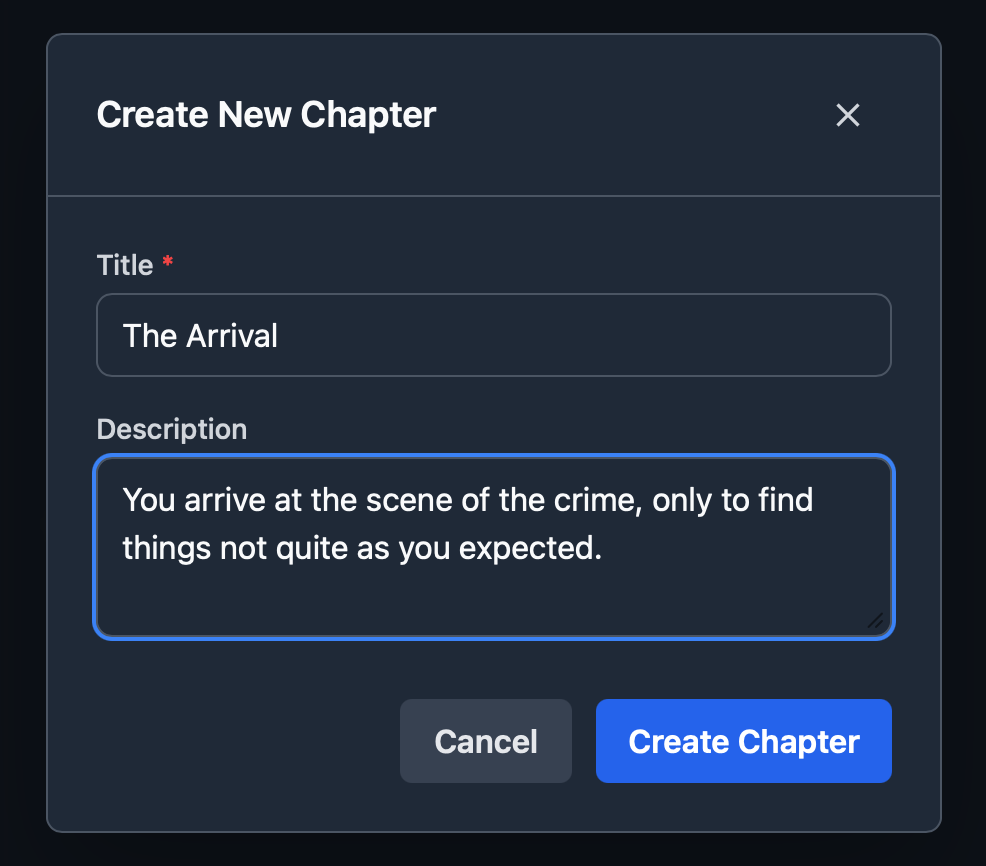
- Enter the chapter details:
- Title: e.g. “The Beginning”, “Chapter 1: Awakening”.
- Order: Chapters are numbered automatically.
Moving Scenes Between Chapters
To move a scene to a different chapter, use the chapter dropdown in the scene editor toolbar. Select the chapter you want to move it to, and the scene will be reassigned.
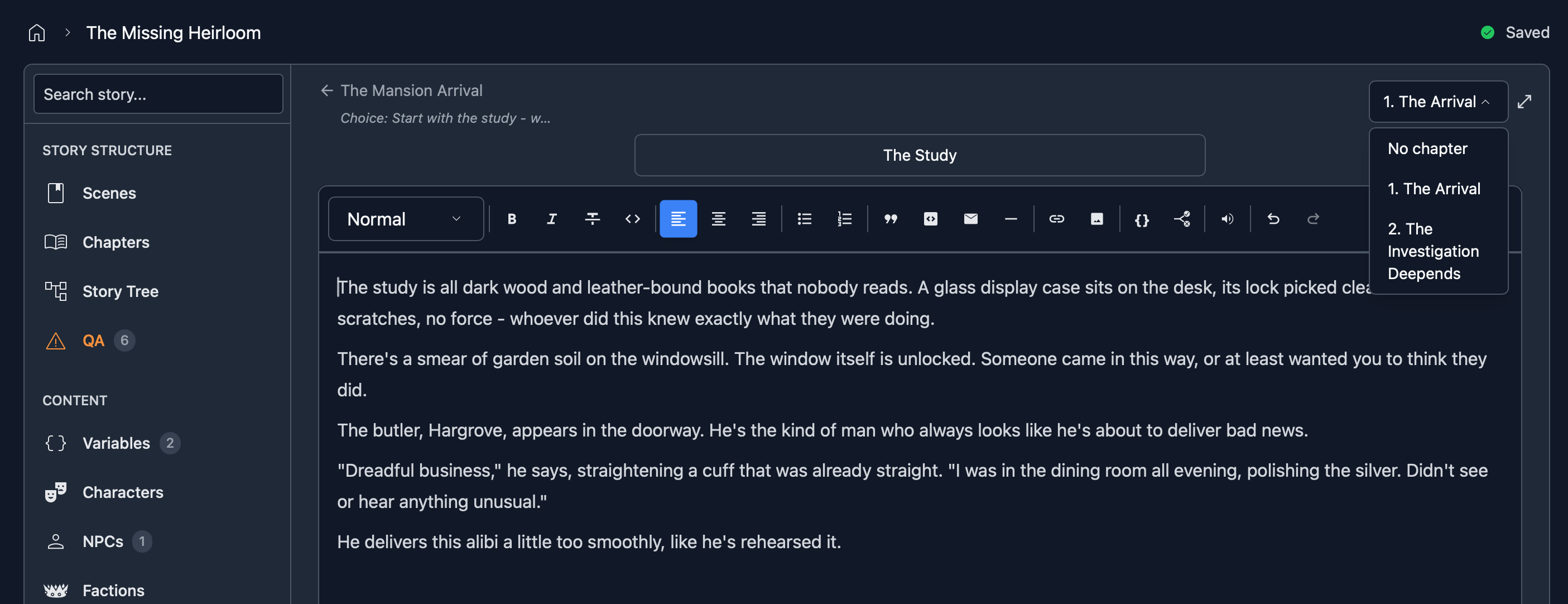
When a scene belongs to a chapter, new scenes created as children will default to that same chapter to save time.
If you have scenes that aren’t assigned to any chapter, the QA panel lets you assign them in bulk.
Chapter Entry Points
Each chapter card shows two kinds of entry points.
Direct-start scenes
A direct-start scene is a place where a reader can begin a chapter without making earlier choices. Use one when readers should be able to start from chapter selection, such as after buying a later chapter or skipping ahead.
A scene can become a direct-start in these ways:
- The scene is the “root” scene (the first default scene that gets created when you create a story) and therefore the default start for chapter 1.
- A character starts at that scene.
- You click Add direct-start scene on the chapter card.
The chip shows a lock icon when the direct-start comes from the root scene or a character start. Change that source to move it. Direct-starts you add yourself show an X so you can remove them.
Entry points (from another chapter)
The second section lists scenes reached by choices from another chapter. You do not add or remove these directly. They appear automatically when you link a choice from Chapter 1 to Chapter 2, or across any other chapters.
Each chip shows the source chapter (“from Ch 1”) so you can see how readers reach that chapter.
Publishing Requires an Inbound Link
Chapter 2 and later cannot be queued for publish until another chapter links into them. Direct-start scenes help readers begin there, but they do not satisfy this publish rule. If a chapter is paid, subscriber-only, or should appear in chapter selection, add at least one direct-start scene. The chapter card warns you when a paid or subscriber-only chapter has none.
Chapter Pricing
You can optionally set prices on individual chapters to sell premium content within your story. This is configured in your story’s Monetization settings in the Workshop. See the Monetization docs for full details on chapter pricing.
When a chapter has a price, readers can sample free chapters before deciding to purchase paid ones.
Next Steps
- Editor - Learn about scenes and story structure.
- Variables & Conditions - Add dynamic content.
- Monetization - Set prices on chapters and stories.