

Write and branch
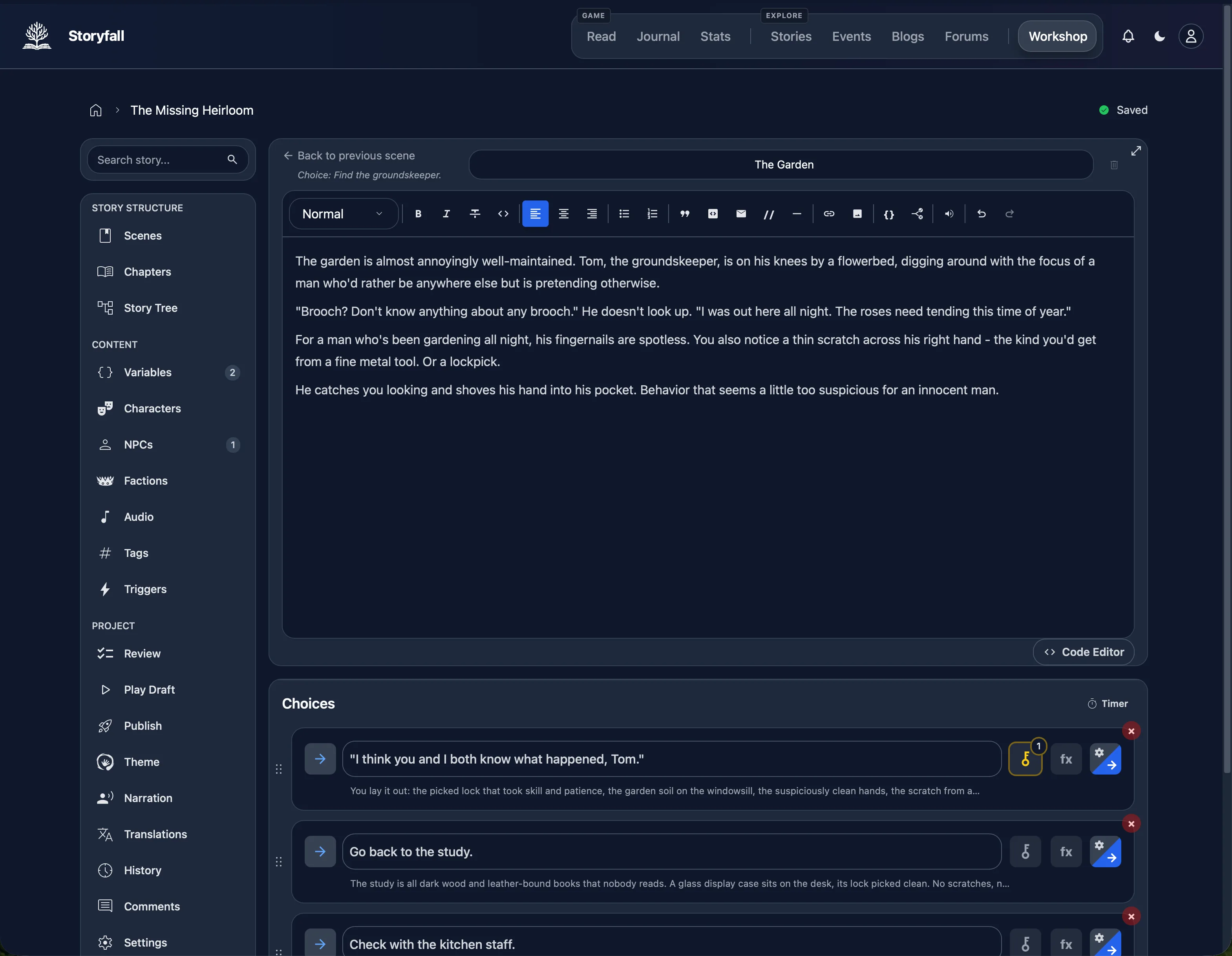
Write scenes with rich text, attach choices, and use variables and conditions when a decision needs to remember earlier events.
Visual writing and publishing platform
Build scenes, choices, variables, and conditions in a visual workshop. You can start without logging in. Create an account only when you are ready to publish.
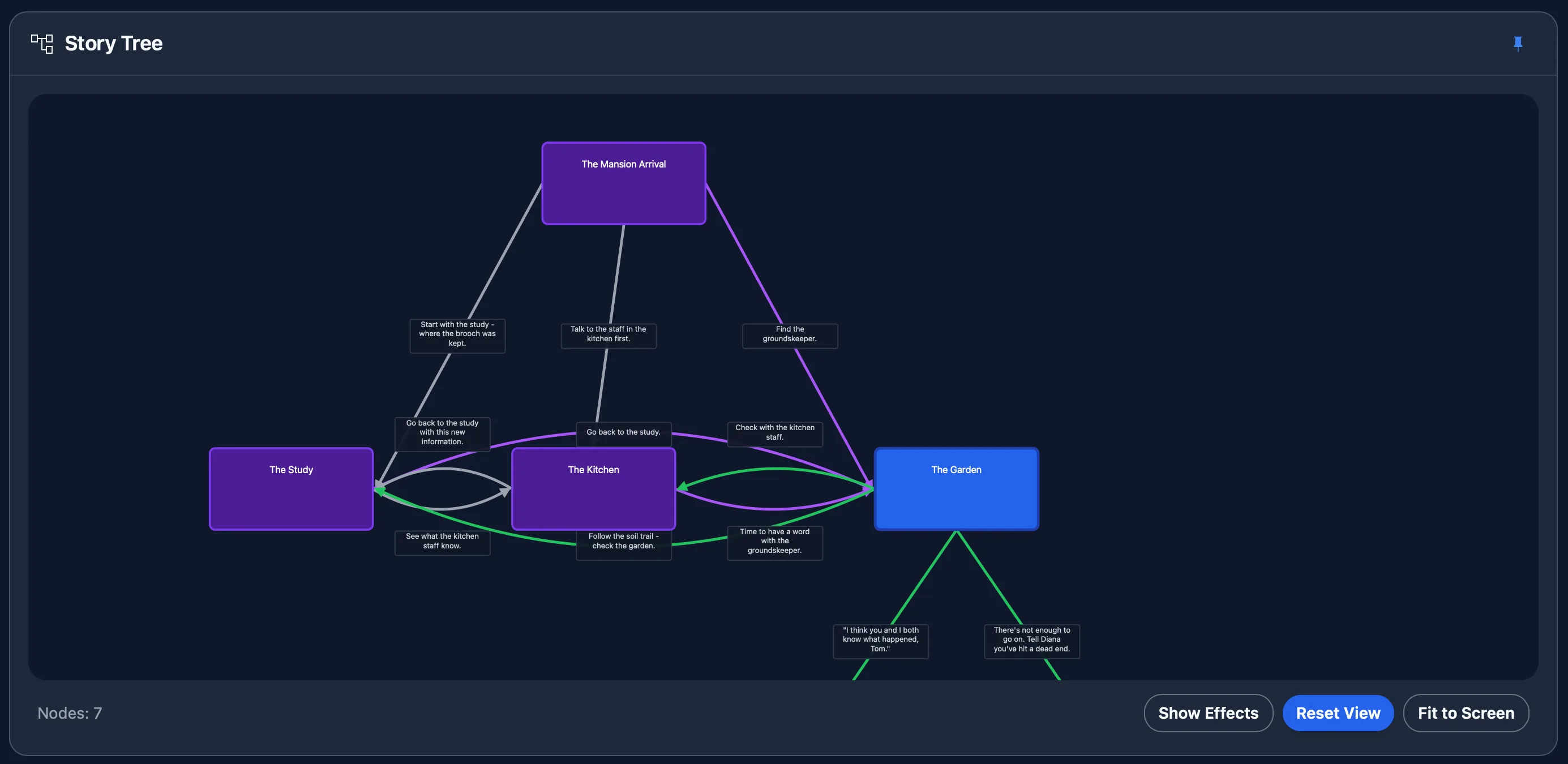
Scenes and their links appear in a story tree, so you can move between the structure and the scene editor. Choices can lead directly to a scene or depend on variables, conditions, formulas, and probability.
The workshop also includes characters, chapters, reusable tags, test play, structural QA, and collaboration with role-based permissions. The visual editor handles these without requiring a scripting language. A code editor is available if you prefer one.
Write scenes with rich text, attach choices, and use variables and conditions when a decision needs to remember earlier events.
Play a draft, inspect state, and use the story tree and QA panel to find unreachable scenes, missing links, and dead ends.
Publish on Storyfall when you have an account, or download a JSON backup or playable HTML export. Your work is not trapped in one hosted copy.
Storyfall imports supported Twine formats and Ink source files with structured conversion where constructs map cleanly. Twine passages and Ink source knots can become scenes, while links and source choices can become branches.
Compiled Ink JSON uses a limited single-root-scene fallback, so its original knot and choice structure is not reconstructed.
Custom macros, scripts, external functions, styling, and complex format-specific logic do not always have a direct Storyfall equivalent. Review the import warnings and plan to rebuild unsupported logic rather than assuming a perfect conversion.
Storyfall is built around a hosted, database-backed workshop. Twine is a better fit if you want a small offline desktop tool and direct control of an HTML-first project. Ink is a better fit if your project depends on its scripting language, source-control workflow, or official Unity runtime. Storyfall is the stronger fit when you want a visual editor, hosted publishing, built-in reader features, and an export path in one place.
If you are still planning the story, start with how to make interactive fiction, or browse public stories to see the reader experience.
Opening the workshop creates a guest session. You can build and test a story before deciding whether to register. An account is required only when you publish.
Open the guest workshop